bd330 Withdrawal Guide: Withdraw Your Winnings Safely
After reading this guide, you will know — how to withdraw money from bd330, what documents are needed before your first withdrawal, how many minutes it takes to arrive, and how to fix any issues that come up.
Withdrawal Steps: bd330 Withdrawal Process
Withdrawing money from your bd330 account takes just a few steps. Follow the steps below and your funds will typically reach your mobile wallet within 35 minutes on average.
-
1
Log In to Your Account
Go to the bd330 login page and enter your username and password. Make sure you are using your own account and that the password is correct.
-
2
Go to the "Withdrawal" Section
Click on the balance or "Cashier" button at the top right of your dashboard. From there, select the "Withdrawal" or "Withdraw" option.
-
3
Select Payment Method and Enter Amount
Choose whichever you prefer — bKash, Nagad, Rocket, Upay, or bank transfer. Enter the withdrawal amount — minimum ৳900 and daily maximum ৳50,000.
-
4
Confirm Your Recipient Number or Account
Enter your mobile wallet number or bank account number carefully. Money sent to a wrong number can be very difficult to recover, so double-check before proceeding.
-
৫
Submit the Request and Check Confirmation
Press the "Confirm" button. After a successful request, a confirmation message with a tracking number will appear on screen. You will receive your money within 35 minutes on average.
Before Your First Withdrawal: Identity Verification
Before making your first withdrawal at bd330, you need to verify your identity. This is an international-standard security process that keeps your account safe and prevents unauthorised transactions.
Documents Required
-
1
National ID Card (NID) Clear photos of both front and back. All four corners of the card must be within the frame, and the text must be clearly readable.
-
2
Passport Scan or photo of the photo page. The biodata page must be fully visible — any cut-off or faded areas will not be accepted.
-
3
Driving Licence Photo of the front side. Name, date of birth and photo must be clearly visible. Expired licences are not accepted.
Photo Guidelines
Take photos in good lighting — direct sunlight or flash can cause glare. Place the document on a flat surface and hold the camera directly overhead. A minimum resolution of 600×400 pixels is recommended. JPG, PNG and PDF formats are all accepted.
Upload Steps
-
1
Go to Profile Settings
Log in to your account, click the profile icon at the top right, and go to the "Identity Verification" section.
-
2
Choose Document Type
Select from the list whichever document you want to upload — NID, Passport or Driving Licence.
-
3
Upload the File
Click "Choose File" and upload a clear photo or scanned copy. Front and back can be uploaded as two separate files.
-
4
Submit and Wait
Press the "Submit" button. Review is usually completed within 6 hours, and you will be notified via in-app notification or message.
Withdrawal Rejected: Reasons and Solutions
Sometimes a withdrawal request may be rejected. The table below lists common reasons and what you can do to fix them.
| Reason | Details | Fix |
|---|---|---|
| KYC Incomplete | Identity verification was not completed before the first withdrawal. | Go to your profile and upload your documents |
| Bonus Wagering Requirement Not Met | The 16x wagering requirement for the welcome bonus or another bonus is still pending. | Check your bonus history |
| Incorrect Account Number | The mobile number or bank account number entered was incorrect. | Correct the number and apply again |
| Below Minimum Limit | The requested amount was below ৳৯০০. | Increase the amount and apply again |
| Daily Limit Reached | The ৳৫০,০০০ daily limit has already been used up for that day. | Apply again the next day |
| Account Details Do Not Match | The registered name and the payment account name are different. | Contact support via live chat |
If none of the above solutions work, speak directly with the bd330 support team via 24/7 live chat. Help is available in Bengali.
Quick Info
- Minimum Withdrawal ৳৯০০
- Daily Maximum ৳৫০,০০০
- Average Time 35 Minutes
- KYC Time Within 6 Hours
- Support 24/7 Live Chat
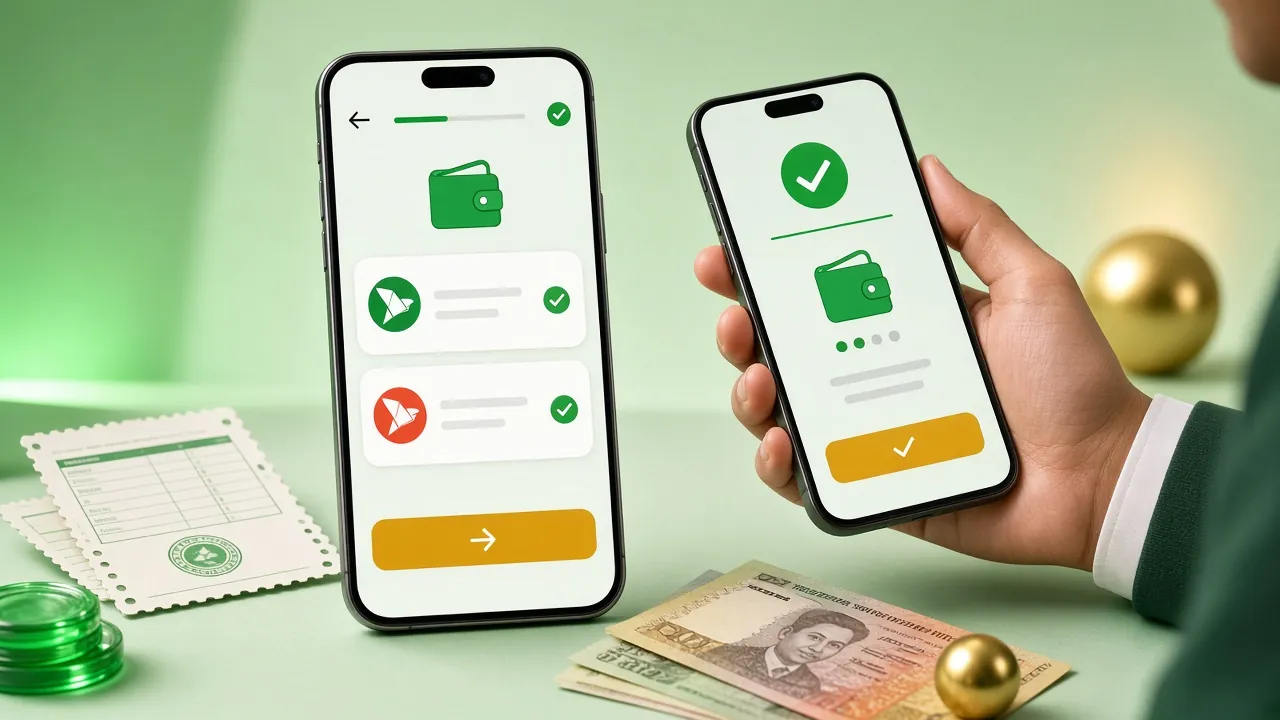
Payment Methods & Processing Times
- bKash Deposit: ~2 min Withdrawal: ~35 min
- Nagad Deposit: ~2 min Withdrawal: ~35 min
- Rocket Deposit: ~2 min Withdrawal: ~35 min
- Upay Deposit: ~2 min Withdrawal: ~35 min
- Bank Transfer Deposit: ~2 min Withdrawal: ~35 min
Choosing a Mobile Wallet: Which One Works Best for You
The four mobile wallets are quite similar, but picking the right one for your situation can save you a lot of hassle.
| Wallet | Works Best When | Smaller Amounts (৳900–৳5,000) | Larger Amounts (৳5,000+) | Nationwide Coverage |
|---|---|---|---|---|
| bKash | Fast, easy-to-find agent network — cash out right in your neighbourhood | Suitable | Suitable | Widest Availability |
| Nagad | If you want relatively lower cash-out charges; the post office network comes in handy | Suitable | Suitable | Extensive, especially in rural areas |
| Rocket | For Dutch-Bangla Bank account holders or those who use their ATMs | Suitable | Suitable | Moderate Availability |
| Upay | If you have an account linked with UCB Bank; bank-to-wallet transfers are quick | Suitable | Suitable | Comparatively lower |
| Bank Transfer | Direct transfer for sending larger amounts safely to a bank account | Less Convenient | Suitable | All Banks Supported |
At bd330, withdrawal processing time is the same across all wallets — around 35 minutes on average. Just go with whichever one you find easiest to cash out from.
bd330 Withdrawal Limits at a Glance
Here's a quick overview of all limits — from the minimum all the way up to the highest VIP tier.
Daily Withdrawal Limit by VIP Level
| VIP Level | Monthly Turnover | Daily Withdrawal Limit | Cashback | Birthday Bonus | Personal Manager |
|---|---|---|---|---|---|
| VIP 1 | None | ৳৫০,০০০ | 1.2% | None | |
| VIP 2 | ৳৫০,০০০ | ৳৭৩,০০০ | ১.৪৫% | ৳৮০০ | |
| VIP 3 | ৳২,৫০,০০০ | ৳১,১০,০০০ | ১.৭% | ৳২,২০০ | |
| VIP 4 | ৳১২,০০,০০০ | ৳১,৫০,০০০ | ১.৯৫% | ৳৫,৮০০ | |
| VIP 5 | ৳৬০,০০,০০০ | ৳২,২০,০০০ | ২.২% | ৳১৬,০০০ |
To reach a higher VIP tier, check the bd330 Bonus & VIP page.
Withdrawal Questions We Get Asked the Most
Straightforward answers to the most common questions.
How long does the first withdrawal take at bd330?
Can I withdraw immediately after claiming a bonus?
Will my deposited funds be blocked if I haven't completed KYC?
Can I make multiple withdrawals in the same day?
Can I withdraw from the mobile app?
Can I cancel a withdrawal request after submitting it?
No Account Yet? Get Started Now
Register at bd330, grab a 130% bonus on your first deposit, and enjoy withdrawals in just 35 minutes. Minimum deposit starts from as little as ৳250.